Printer Category
Sublimation Printers
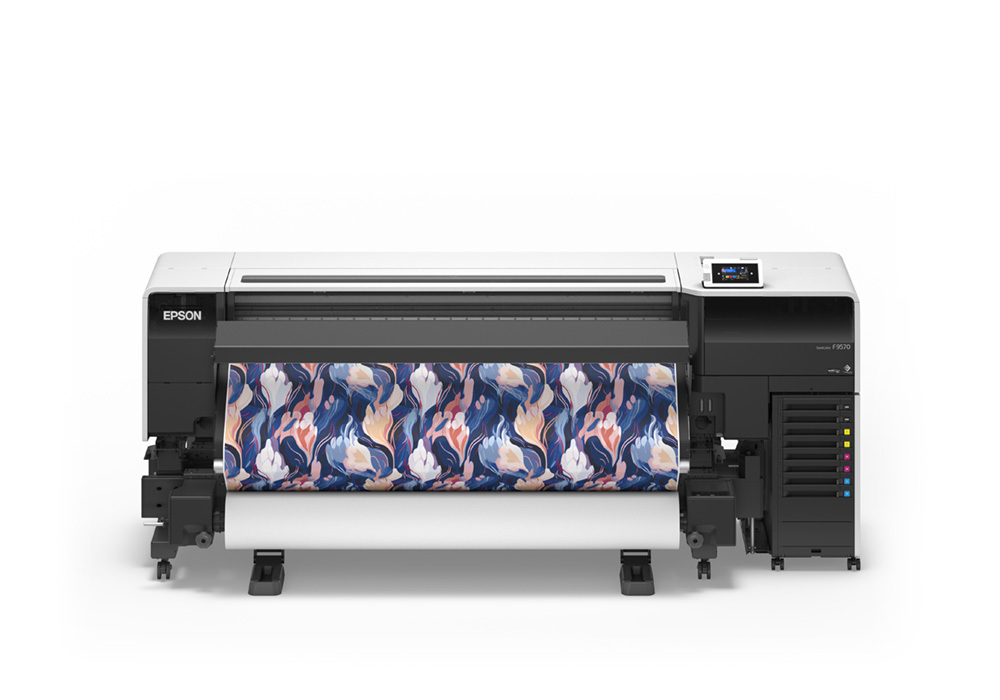
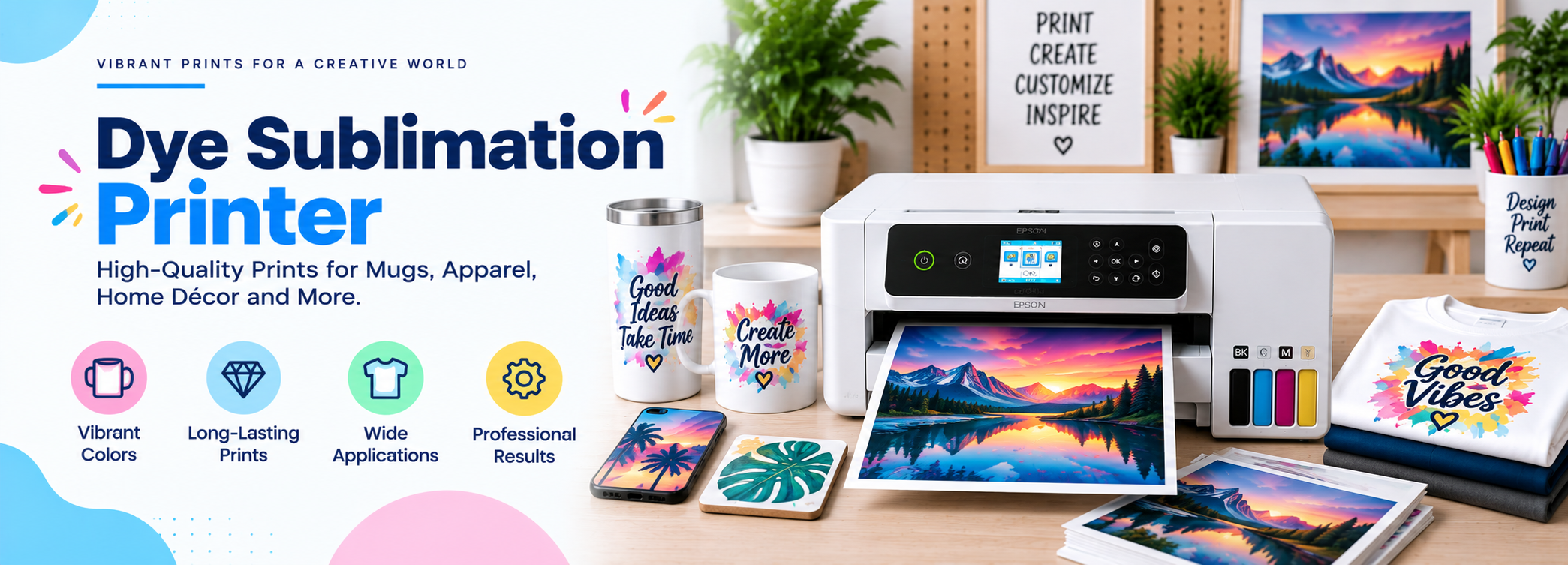
Sublimation printers use heat-activated dye ink to permanently bond vivid, full-color designs into polyester fabric and polymer-coated items — the technology behind custom T-shirts, mugs, tumblers, and promotional products.
✓ Permanent, Fade-Resistant Color
✓ Best for Polyester & Coated Items
✓ No Minimum Order Quantities
✓ Works for Apparel, Mugs & Signage
Quick Answer
What Is a Sublimation Printer? A Quick Answer
A sublimation printer is a printer loaded with special dye-sublimation ink that, combined with a heat press, turns a printed design into a permanent part of a polyester fabric or a polymer-coated surface. Instead of sitting on top of the material like regular ink or vinyl, the dye converts into a gas under heat and bonds directly into the fibers or coating, then re-solidifies as it cools.
Most sublimation printers used by hobbyists and small businesses are either converted inkjet printers (such as EcoTank models refilled with sublimation ink) or dedicated systems like the Sawgrass Virtuoso line, which ship ready to use with their own ink and software.
This category is sometimes confused with the continuous-tone dye-sublimation printers used in photo kiosks and ID-card systems, which use a different ribbon-based process. The sublimation printers covered on this page are the desktop and wide-format systems used for custom apparel, drinkware, and promotional products — by far the more common type for home businesses, print shops, and hobbyists.
For more background on the underlying technology, see our explainer on what a sublimation printer actually does.
The Basics
How Sublimation Printing Works
Sublimation printing is a multi-step process that turns a digital design into a permanent, dyed-in finish on the right kind of blank. Unlike direct printing onto a finished product, every sublimation project passes through an intermediate transfer paper step before it reaches the final item.
- Mirror the design. Artwork is flipped horizontally in design software, since it will transfer in reverse onto the final item.
- Print on sublimation paper. The mirrored design is printed with sublimation ink onto special transfer paper, usually through an ICC color profile or the printer’s own RIP software so colors stay accurate.
- Position the transfer. The printed paper is taped face-down onto a polyester garment or a polymer-coated blank, such as a mug, tumbler, or sign.
- Apply heat and pressure. A heat press holds the paper against the item at a set temperature and pressure for a fixed time.
- The ink sublimates. Under heat, the solid dye converts directly into a gas, skipping the liquid phase, and penetrates the fibers or coating.
- It cools and bonds. As the item cools, the dye re-solidifies inside the material, becoming part of it rather than a layer on top.
Why Sublimation Only Works on Certain Materials
Sublimation dye bonds with polyester fibers or with a polymer coating — it does not bond with cotton, wood, or bare metal. That is why blanks made for sublimation (shirts, mugs, tumblers, phone cases, and signage) are either polyester-based or pre-coated with a polymer layer. Dark-colored items also do not work well, since the dye is translucent and needs a light or white base to show true color.
What You Need Besides the Printer
A sublimation printer is only one part of the setup. A typical workflow also requires a heat press (a clamshell or swing-away model, depending on volume and the items being pressed), sublimation transfer paper sized to the project, heat-tape to hold the paper in place, and blank products rated for sublimation. Many shops also use a dedicated design program alongside a RIP or color-management tool to keep colors consistent from screen to final product.
The Lineup
Types of Sublimation Printers
Sublimation printers range from converted desktop inkjets to dedicated industrial systems, each suited to a different scale of use.
🖨️
Converted Inkjet Sublimation Printers
Standard EcoTank-style inkjet printers refilled with sublimation ink instead of regular dye ink. The large refillable tanks keep per-page ink costs low, making this the most affordable entry point for hobbyists and small shops just getting started with custom products.
🎨
Dedicated Sublimation Printers
Purpose-built systems like the Sawgrass Virtuoso SG500 and SG1000 come with proprietary ink and matched color-management software, so there is no manual ICC profiling to set up and color tends to be more predictable out of the box.
🖼️
Wide-Format Sublimation Printers
Larger-format printers that handle wider rolls of transfer paper, used for signage, banners, flags, and bigger garment panels that a desktop printer cannot cover in one pass, often favored by production-focused print shops.
🏭
Industrial Sublimation Printers
Heavy-duty, high-speed systems built for textile and promotional-product businesses printing at volume, where cost per unit and throughput matter more than desktop convenience or compact footprint.
Most hobbyists and new small businesses start with either a converted desktop inkjet or an entry-level dedicated printer, then move up to wide-format or industrial equipment only once order volume justifies the added cost and footprint.
Where It Fits
Best Use Cases for Sublimation Printing
Because sublimation works on any polyester or polymer-coated blank, it covers a wide range of products with one printer. This versatility is a big part of why it has become the go-to method for custom-product sellers who need to offer many item types without owning separate equipment for each.
👕
Custom Apparel
T-shirts, jerseys, and poly-blend athletic wear are the single biggest use case, since sublimation produces vivid, permanent graphics that will not crack, peel, or fade after repeated washing.
☕
Mugs & Drinkware
Polymer-coated mugs, tumblers, and water bottles are a popular small-business product line because a single printer and heat press can turn out fully custom items on demand with no setup per design.
📱
Phone Cases & Gifts
Phone cases, mousepads, puzzles, and photo panels use the same process on pre-coated blanks, making them common personalized-gift products for holidays and special occasions.
🚩
Signage & Banners
Polyester fabric banners, flags, and trade-show signage use wide-format sublimation printers for durable, washable, fade-resistant graphics that hold up outdoors and in repeated use.
🎁
Promotional Products
Keychains, coasters, and branded merchandise are frequently produced with sublimation because small batches and one-off designs are easy and affordable to produce without plates or screens.
🛍️
Print-on-Demand Businesses
Etsy-style shops rely on sublimation for no-minimum, made-to-order apparel and gifts, since there is no setup cost per design the way screen printing requires.
Two of the most common starter projects are T-shirts and insulated tumblers. See our guides on how sublimation printing works for T-shirts and what makes a tumbler suitable for sublimation for a closer look at those specific workflows. If you are curious whether a mainstream brand makes a sublimation-ready machine, we also cover whether Canon makes a sublimation printer.
Compare Specs
Key Features to Compare
Before buying, weigh these features against how you plan to use the printer.
Dedicated and converted systems both rely on a matching color profile and compatible transfer paper to hit accurate color, so the printer specs below matter less in isolation than how well the whole ink-paper-press combination is dialed in.
| Feature | What to Look For |
|---|---|
| Ink system | Converted refillable tanks lower per-page cost; dedicated cartridge systems like Sawgrass simplify setup but cost more per print. |
| Print width | Desktop models typically handle letter/A4-size sheets; wide-format models handle larger rolls for banners and bigger garment panels. |
| Bundled software | Dedicated sublimation printers often include RIP or color-management software (such as Sawgrass CreativeStudio); converted printers rely on manually installed ICC profiles. |
| Connectivity | USB is standard; Wi-Fi and Ethernet are useful for shared shop setups with multiple designers. |
| Color accuracy | Look for support for a proper ICC color profile matched to your ink, paper, and press settings — this affects final color far more than the printer’s on-paper preview. |
| Media handling | Sheet-fed is fine for most shirts and mugs; roll-fed matters for signage, banners, and continuous production runs. |
Budget Planning
Running Costs of Sublimation Printing
Sublimation has several ongoing cost factors beyond the printer itself, and they vary by ink system and project volume. Understanding these costs up front helps set realistic pricing if you plan to sell finished products.
Ink
Refillable tank systems generally cost less per print than small proprietary cartridges, but dedicated cartridges are formulated specifically for consistent sublimation color.
Transfer Paper
Sublimation paper is a per-sheet cost on top of ink, and quality paper affects how cleanly the dye releases during pressing.
Heat Press & Blanks
A heat press is a separate purchase from the printer, and blank garments, mugs, or signage materials are an ongoing per-item cost.
Maintenance Supplies
Cleaning cartridges or solutions for clearing clogged print heads are an occasional cost, especially for converted inkjet systems used irregularly.
As a general rule, a converted inkjet setup tends to have the lowest cost per print once it is dialed in, a dedicated desktop system trades some of that savings for simpler, more predictable color output, and wide-format or industrial equipment has the highest upfront cost but the lowest cost per unit at high volume.
Weigh the Trade-offs
Sublimation Printer Pros and Cons
These trade-offs explain why sublimation tends to be a complementary method rather than a complete replacement for other printing and decoration techniques in most shops.
Advantages
✓ Produces vivid, photo-quality color that becomes permanently part of the material
✓ Will not crack, peel, or fade like vinyl or screen-printed transfers
✓ No feel or texture on fabric — the design is part of the weave, not a layer on top
✓ Economical for one-off and small-batch custom orders with no setup minimums
✓ One printer covers many product types: apparel, mugs, signage, and gifts
Disadvantages
✗ Only works on polyester or specially coated blanks, not plain cotton or dark fabrics
✗ Requires an upfront investment in a printer, heat press, and software
✗ Converted inkjet systems can clog if not printed with regularly
✗ Accurate color depends on proper ICC profiles and heat-press calibration
✗ Less efficient than industrial textile printing methods at very high volumes
The Other Main Options
Sublimation vs. Heat Transfer Vinyl vs. DTG
Sublimation is one of three common ways to decorate apparel and promotional items, and each has a different sweet spot. The right choice often comes down to what fabric you are printing on and how many colors or details are in the design.
| Method | Best For | Key Limitation |
|---|---|---|
| Sublimation | Polyester apparel, mugs, signage, permanent full-color designs | Polyester or coated items only; does not work on cotton or dark colors |
| Heat Transfer Vinyl (HTV) | Cotton and blended fabrics, simple single or few-color designs | Sits on top of fabric, can crack or peel over time; multi-color designs need layering |
| Direct-to-Garment (DTG) | Photorealistic designs printed straight onto cotton garments | Higher equipment cost; better suited to volume cotton-apparel printing |
Many shops end up offering more than one method side by side — sublimation for polyester items and full-color designs, and HTV or DTG for cotton apparel — rather than treating it as an either-or decision.
If you need designs on cotton, see our dedicated comparison of sublimation vs. heat transfer for a closer look at when each method makes more sense. If you print on both EcoTank-style and cartridge-based machines, our EcoTank vs. cartridge printers comparison covers the broader running-cost trade-offs.
Decision Guide
How to Choose a Sublimation Printer
Work through these questions in order to narrow down the right printer for your situation. Most buyers can settle on a short list after answering the first three.
01
What will you print most? Mostly apparel and large items point toward a wide-format printer; mugs, phone cases, and small gifts work fine on a standard desktop model.
02
Converted inkjet or dedicated sublimation system? A converted EcoTank-style printer costs less to run per page; a dedicated system like a Sawgrass Virtuoso trades some running cost for simpler, more consistent color setup.
03
What print width do you need? Standard letter/A4 sheet printers cover most garment and drinkware work; banners and large panels need a wide-format printer.
04
Do you want built-in color software? If you do not want to manage ICC profiles yourself, a dedicated system with bundled RIP or color software saves setup time.
05
What is your total budget? Factor in the printer, a heat press, sublimation paper, and blanks — not just the printer’s price tag.
06
How often will you print? If you will not print weekly, lean toward a system that is less prone to clogging when idle, or plan for regular maintenance prints.
Our Picks
Recommended Sublimation Printers
These models cover the range from entry-level converted inkjets to dedicated production-ready systems. See our full reviews for details on setup, print quality, and running costs.
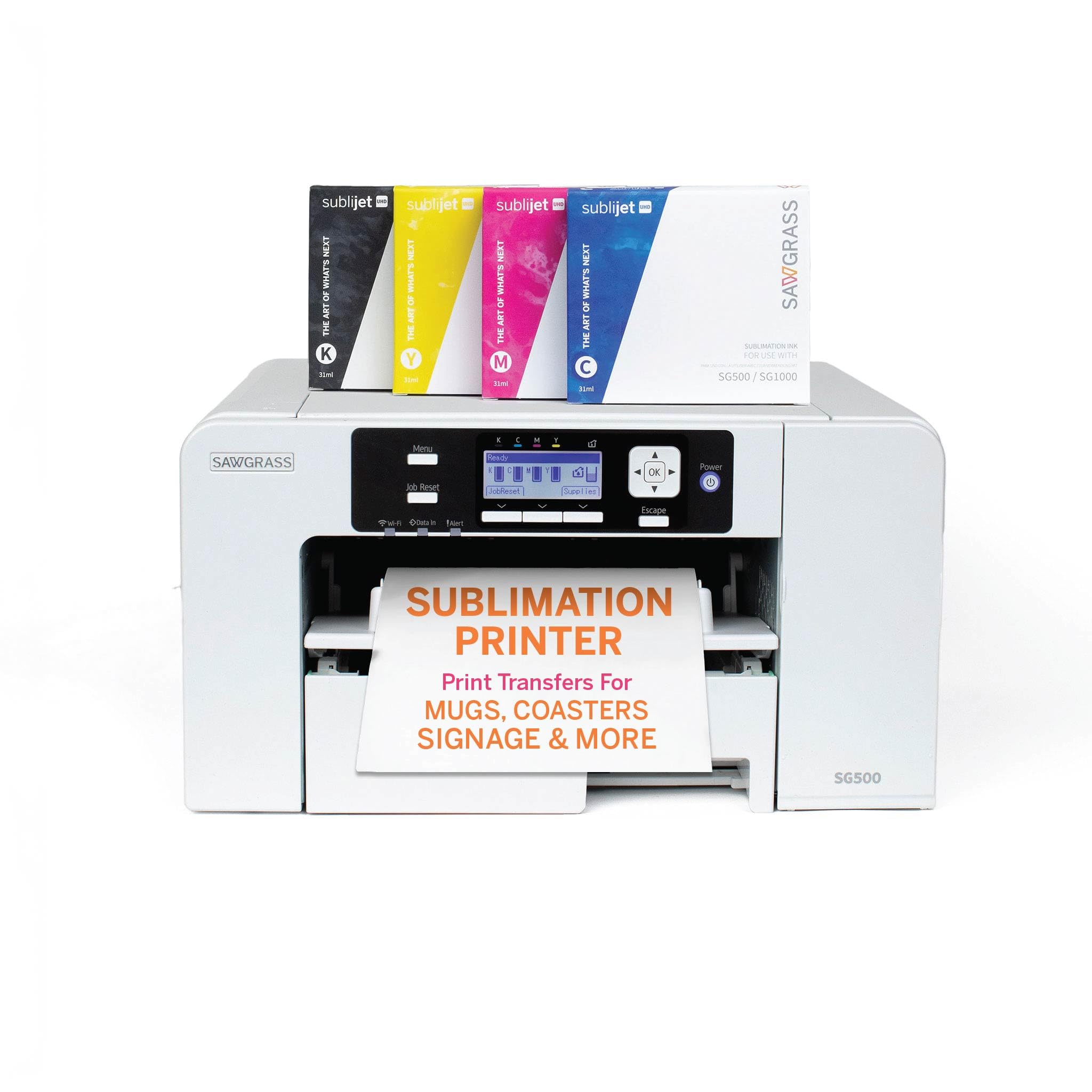
Sawgrass Virtuoso SG500
A compact, dedicated desktop sublimation printer with bundled CreativeStudio software, well suited to small-batch apparel and gifts.
Check Current Price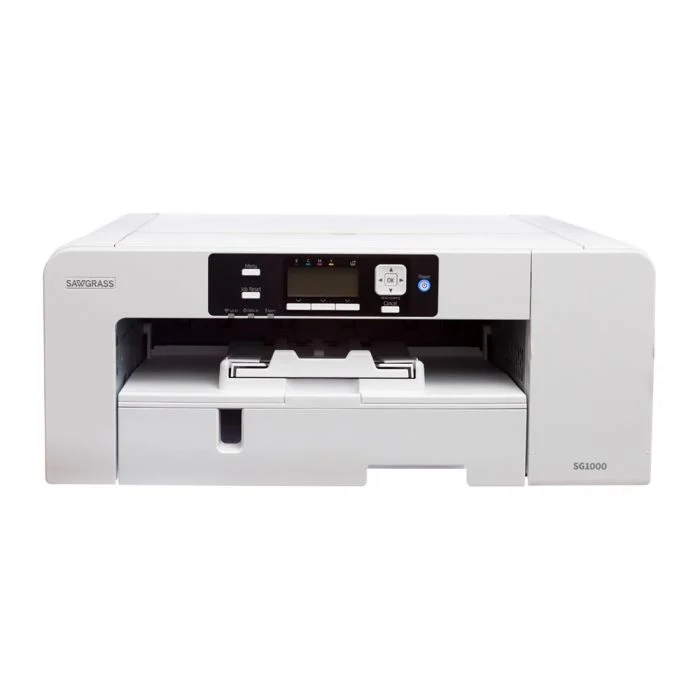
Sawgrass Virtuoso SG1000
A larger-format step up from the SG500, aimed at shops producing bigger panels and higher volumes.
Check Current Price
Epson SureColor F170
A compact dedicated sublimation printer built around Epson PrecisionCore technology for consistent small-format output.
Check Current Price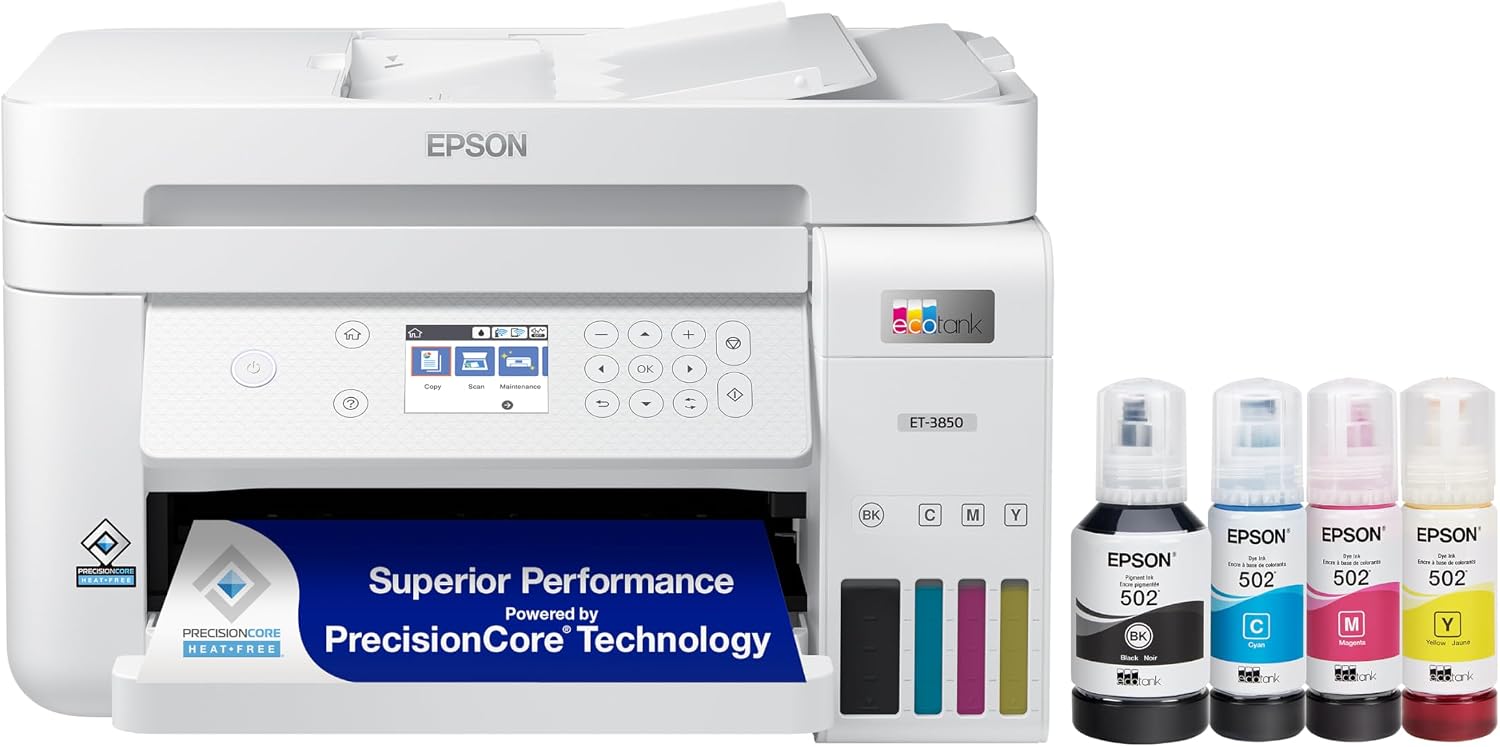
Epson EcoTank ET-3850 (Converted)
A popular EcoTank model frequently converted to sublimation use for its large refillable tanks and lower per-page ink cost.
Check Current PriceFor a side-by-side look, see our comparisons of the Epson F170 vs. Sawgrass SG500 and the Sawgrass SG500 vs. SG1000, or browse our full roundup of the best sublimation printers.
For a broader comparison of entry-level options, our best sublimation printers for T-shirts and best inkjet printers for sublimation roundups cover additional models at different price points.
Avoid These
Common Sublimation Printing Mistakes
Most sublimation problems trace back to one of these setup or process mistakes, and nearly all of them are preventable with the right paper, settings, and routine.
📄
Using the Wrong Paper
Plain inkjet paper does not release ink the way sublimation transfer paper does, leading to blotchy, uneven transfers and wasted blanks.
🎨
Skipping Color Profiles
Printing without the correct ICC profile makes colors look washed out or inaccurate compared to the on-screen design, even when the printer itself is working correctly.
🔥
Wrong Heat, Time, or Pressure
Too little heat or time leaves faded, incomplete transfers; too much can scorch the paper, discolor the blank, or yellow white fabric.
👔
Printing on the Wrong Material
Sublimation ink will not bond to cotton or uncoated items, and it will not show up clearly on dark-colored fabric regardless of press settings.
🖨️
Letting the Printer Sit Idle
Converted inkjet systems left unused for weeks are prone to clogged print heads, which can ruin a batch of prints and sometimes require a full cleaning cycle to fix.
🔄
Forgetting to Mirror the Design
Text and asymmetric designs print backward on the final item if the artwork was not flipped before printing, a common mistake for first-time users.
Keep It Running
Maintenance and Care
Sublimation printers, especially converted inkjet models, need a bit more routine attention than a standard document printer. A few consistent habits prevent most of the common problems.
- Print regularly. Running at least one print a week on converted inkjet systems helps keep nozzles clear and prevents dried ink clogs.
- Run head-cleaning cycles. Use the printer’s built-in nozzle check and cleaning function if print quality starts to streak or fade.
- Store ink and paper properly. Keep sublimation ink and transfer paper in a cool, dry place out of direct sunlight, since heat and humidity can degrade both.
- Protect the heat press platen. Use a protective cover sheet or butcher paper to keep the press clean and prevent ghost marks on future prints.
- Check ICC profiles after ink changes. Replacing ink or switching paper brands can shift color output, so re-verify your profile periodically.
Dedicated systems like the Sawgrass Virtuoso line are generally more forgiving of irregular use than converted inkjets, since their ink and print heads are engineered specifically for sublimation ink rather than adapted from a document-printing design.
FAQ
Frequently Asked Questions
Next Step
Is a Sublimation Printer Right for You?
A sublimation printer is a strong choice if you plan to make custom apparel, drinkware, or promotional items on polyester or coated blanks, want permanent full-color results, and are comfortable sticking to the materials the process requires.
It is less suited to anyone who mainly needs to print on cotton apparel, wants a single all-purpose printer for both documents and products, or is not prepared for the extra steps of transfer paper, ICC profiles, and a heat press compared with a plug-and-play document printer.
If you mainly print on cotton, see our comparison of sublimation vs. heat transfer. If you are deciding between a converted inkjet and a dedicated system, our best inkjet printers for sublimation guide and our best dye sublimation printers roundup are good next reads. For a broader look at printer categories in general, visit our printers hub.
On This Page
Table of Contents
- What Is a Sublimation Printer?
- How Sublimation Printing Works
- Types of Sublimation Printers
- Best Use Cases
- Key Features to Compare
- Running Costs
- Advantages and Disadvantages
- Sublimation vs. HTV vs. DTG
- How to Choose a Printer
- Recommended Printers
- Common Mistakes
- Maintenance and Care
- Frequently Asked Questions
- Is It Right for You?
Related Printer Categories
Featured Guide
Best Sublimation Printers
See our picks for the best sublimation printers across budgets and use cases.
View Guide
Still Deciding?
Compare Sublimation vs. Heat Transfer
Not sure sublimation is the right fit for your project? See the full side-by-side comparison before you decide.