Best Inkjet Printers for Sublimation
Sublimation printing has become an important part of everyday printing. People want to print their fabrics, clothes, T-shirts, ceramic mugs, bottles, glasses, and decorative pieces at a low cost using purpose-built or converted sublimation printers. An inkjet printer creates images and text by spraying tiny droplets of ink onto paper. It is widely used for high-quality color printing, including photos, documents, and sublimation transfer designs.
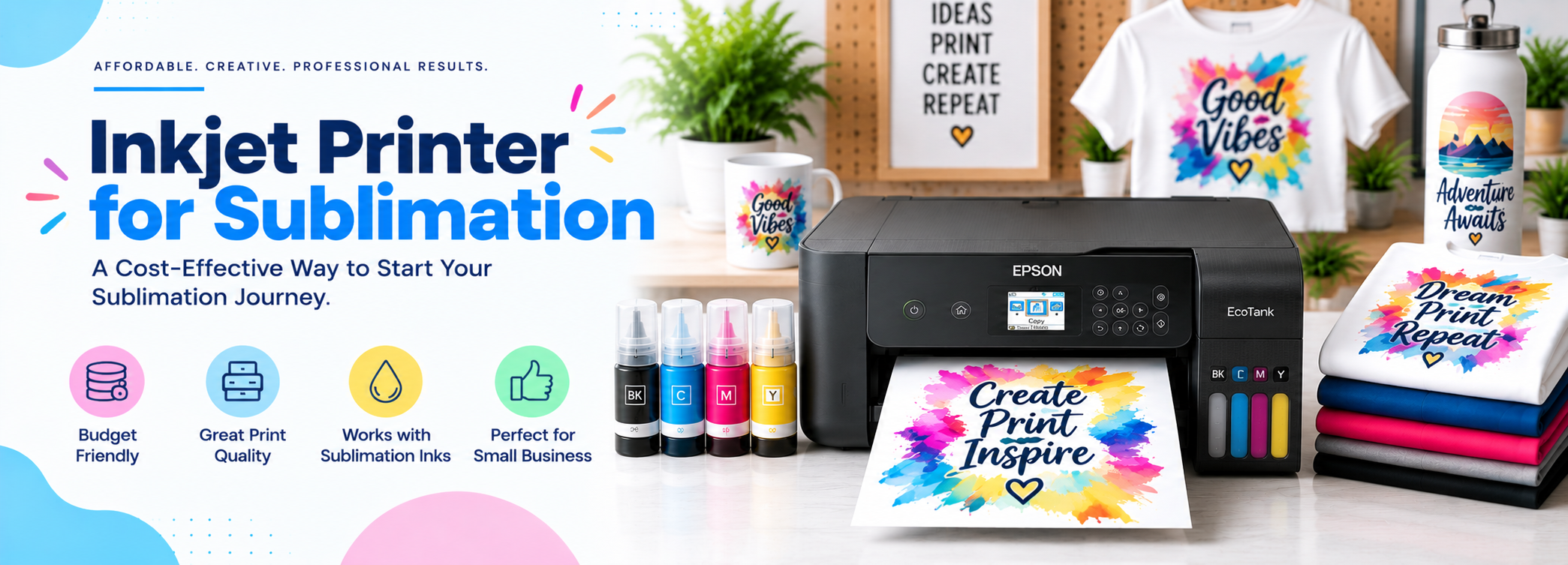
Here, I am going to tell you about sublimation printing, which is a suitable process for starting your business. Sublimation printing has become an important part of everyday printing. People want to print their fabrics, clothes, T-shirts, ceramic mugs, bottles, glasses, and decorative pieces at a low cost. This can be done through sublimation printing using purpose-built or converted sublimation printers.
Many brands, such as Epson, Sawgrass, and Roland, have prepared some of the best sublimation printers for beginners. These printers can be affordable, easy to use, and provide simple ways to design your desired materials.
Sublimation printing is a technique in which heat and pressure are used to transfer images onto synthetic textiles. First, the image is printed on a special paper called sublimation paper. Then, the image is transferred onto your desired material using high heat and pressure.
In fact, heat is used to transfer the solid form of ink directly into a gas without passing through the liquid phase, allowing the ink to become embedded in the material instead of sitting on its surface. In this way, the print does not peel off easily after washing. After printing, the material is placed in the air to allow the vaporized ink to cool and become solid.
I know we all want to buy products that have good reviews and feedback. Here are the best inkjet sublimation printers reviewed by our expert team, which can help you make the right decision when choosing the best sublimation printer from the many options available.
Top Picks | Inkjet Printers Buying Guide
Best Inkjet Printers for Sublimation, Reviewed
Epson SureColor SC-F100 (F170)

Best for: The Best Affordable Sublimation Printer for Beginners
Specifications
|
Used for:T-shirts, mugs, tumblers, home decor, and more |
|
Resolution: 1200 x 600 dpi |
|
Ink capacity: 140 ml |
|
Material size: A4 |
REASONS TO BUY
REASONS TO AVOID
It is ideal for modest sublimation projects and provides professional-quality images by printing on T-shirts, mouse pads, mugs, awards, and more. It uses PrecisionCore® technology for printing on different materials.
You can get customized T-shirts by using this printer. Epson SureColor F170 is a purpose-built sublimation printer, so it is easy to set up and use for printing hard as well as soft materials, from T-shirts to ceramic mugs.
Epson provides affordable 140 ml ink tanks used by this printer, which can be purchased from the market at a low cost. However, it is a small desktop printer, so it can only print small designs and does not print borderless photos. This means that you must leave a small area of paper around the designs, or you may need to reduce the size further.
Although it is small, it has high demand because of its low cost.
Read Full Review2. Epson SureColor F570 Pro
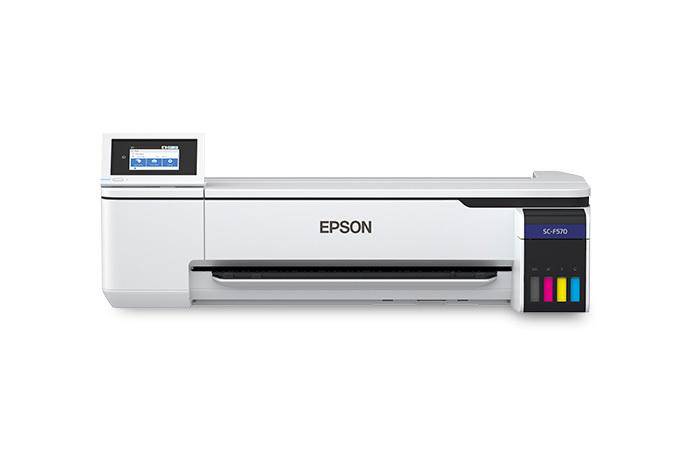
Best for: The Best Sublimation Printer for T-Shirts
Specifications
|
Category:Sublimation inkjet printer |
|
Max print resolution: 1,200 x 1,200 dpi |
|
Ink capacity: 140 ml x 4 |
|
Print size: Up to 24-inch roll width |
|
Weight: 29 kg |
REASONS TO BUY
REASONS TO AVOID
Epson SureColor F570 is chosen for its accuracy in color selection. It is considered a large-format inkjet sublimation printer because it can handle transfer paper sizes from letter/A4 up to 24 inches wide and 100 inches long.
Epson works quickly and professionally on mugs, mouse pads, awards, T-shirts, glasses, and many more products with great efficiency. It uses two 140 ml bottles of ink for all four colors.
One of the best qualities of this printer is that it can print on soft and hard materials. It also has a PrecisionCore MicroTFP printhead, which provides high-quality prints.
3. Sawgrass SG500
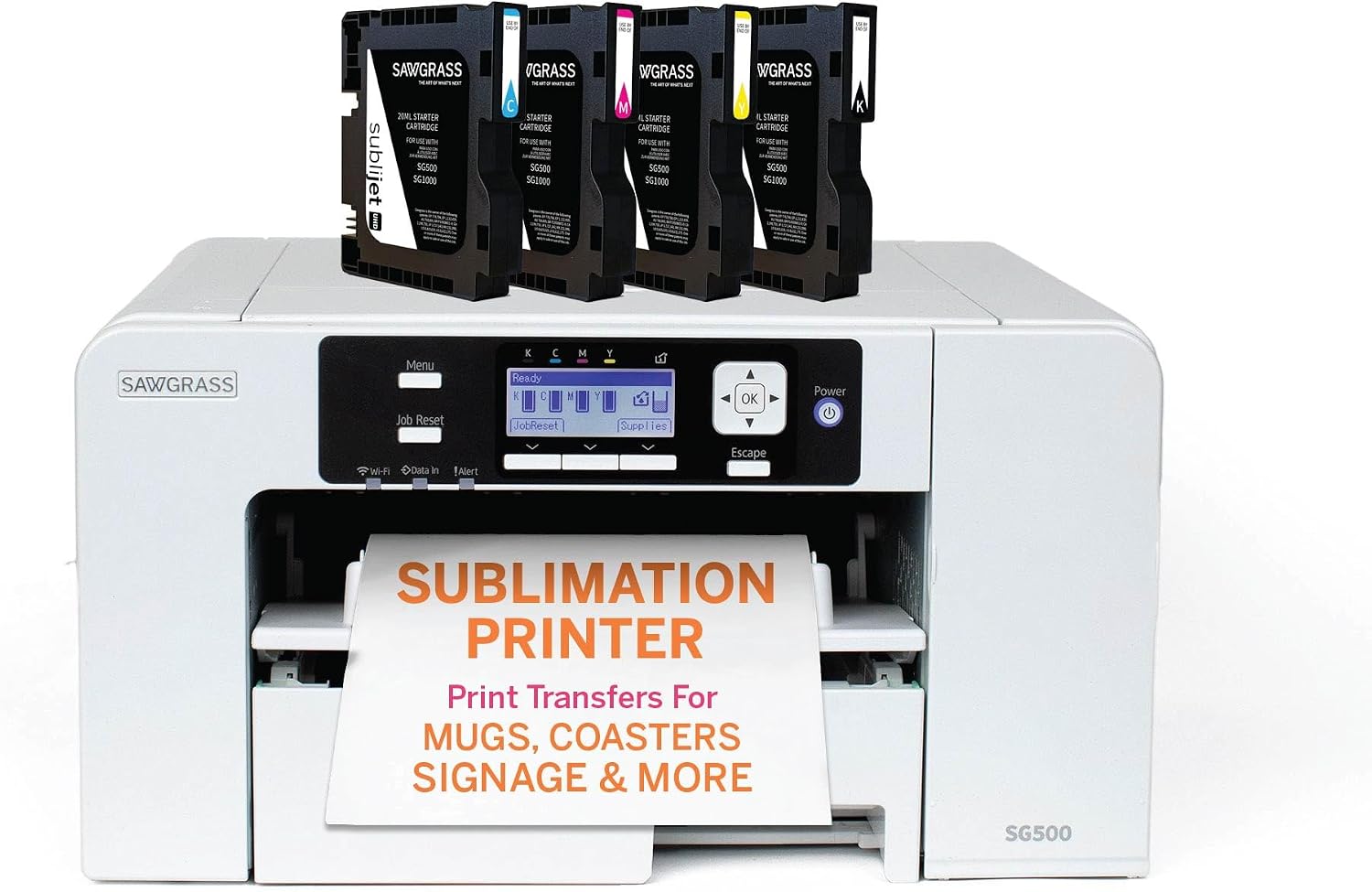
Best for: The Best Self-Maintained Sublimation Printer
Specifications
|
Used for:Mugs, coasters, phone cases, bags, and more |
|
Resolution: 4800 x 1200 dpi |
|
Material size: 22 x 36 cm |
|
Machine size: 39.9 x 40.7 x 21.3 cm |
REASONS TO BUY
REASONS TO AVOID
Sawgrass Virtuoso SG500 gives highly defined, quality, and bright images on T-shirts. It’s an inexpensive method, fully combined, and a prime system to achieve the desired products such as printed drinkware, coasters, picture frames, plaques, signs, T-shirts, etc.
The Virtuoso SG500 is a true sublimation printer that is not a converted regular printer. The printhead of this printer will not dry up because it has a self-maintenance system.
Due to its accurate selection of print colors, Sawgrass is considered to have a color management system that comes with your choice of three inks.
The tray of this printer can handle paper sizes of about A4/legal size. The tray at the other end of the printer, called the bypass tray, allows printing on larger surfaces. It can print on paper larger than 8.5 x 14 inches.
4. Epson EcoTank ET-2400
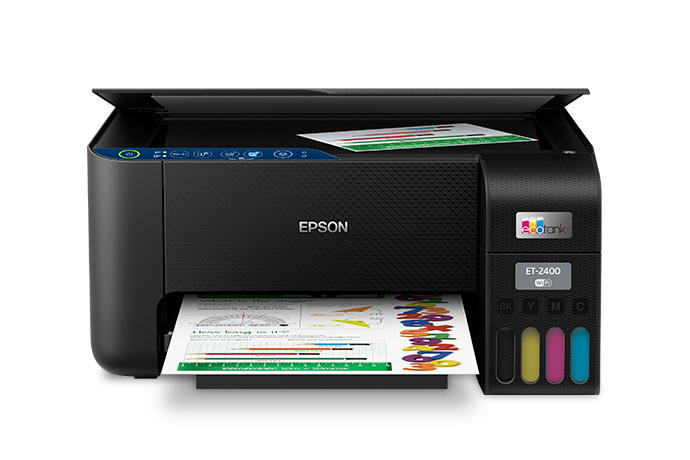
Best for: The Best Affordable Sublimation Printer Which Can Be Filled With Ink Easily
Specifications
|
Used for:All types of small sublimation designs |
|
Resolution: N/A |
|
Ink capacity: 65 ml per color |
|
Material size: A4 |
REASONS TO BUY
REASONS TO AVOID
Epson EcoTank ET-2400 is not a purpose-built sublimation printer. That’s why you can’t use it for sublimation in its original form, but there are no worries because you can use it for sublimation after converting it.
The tanks of the Epson ET-2400 printer have a high capacity and can be filled with sublimation ink easily. That’s why there is less concern about ink loss.
The price of the Epson EcoTank is affordable, and you can purchase it and use it for sublimation after a simple conversion. This printer can print on 8.5 x 14-inch paper and can be used to print towels, T-shirts, and more.
The colors of the prints are vibrant when the printer is used with suitable sublimation ink and paper.
5. HP Stitch S500

Best for: The Best Sublimation Printer With Advanced Features
Specifications
|
Category:Sublimation inkjet printer |
|
Max print resolution: 1,200 x 1,200 dpi |
|
Print speed: 110 m²/hr |
|
Ink capacity: 775 ml x 4 |
|
Print size: Up to 1.62 m roll width |
|
Weight: 13 kg |
REASONS TO BUY
REASONS TO AVOID
HP Stitch S500 can print on transfer paper as well as directly on suitable material, which is suitable for the development of small businesses because of its strong build and modern features.
At around 110 m² per hour, it doesn’t require constant monitoring because it can operate automatically and works very quickly. It takes large rolls of paper or fabric for printing, and the thermal printhead can be replaced easily.
HP Stitch is a large-format desktop printer that provides high-quality images, and HP is providing sublimation printers for customers who need professional printing.
6. Mimaki TS100-1600
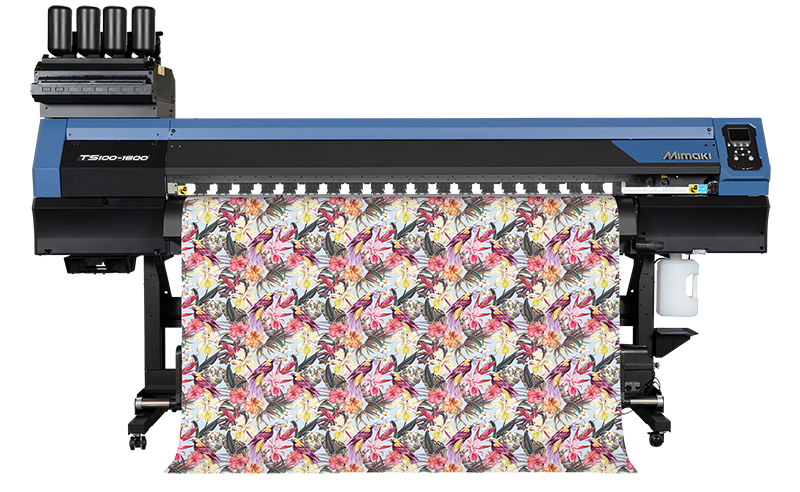
Best for: The Cheap and High-Speed Sublimation Printer
Specifications
|
Category:Sublimation inkjet printer |
|
Max print resolution: 900 dpi |
|
Ink capacity: 1 liter x 4 |
|
Print size: Up to 1.6 m roll width |
|
Weight: 166 kg |
REASONS TO BUY
REASONS TO AVOID
Mimaki TS100-1600 is a cheap, high-speed, and professional sublimation printer that works as a roll-based printer with 900 dpi print quality.
The results obtained by Mimaki are highly professional, providing photographic-quality graphics. Mimaki can accept the most common size of 64 inches of sublimation paper for printing with all four colors: cyan, magenta, yellow, and black, at 753 square feet per hour.
Its one-liter tank of ink can be used to print a large design on the desired material. Mimaki TS100 is particularly useful for beginners. Beginners can utilize it when starting new work by using this type of dye sublimation printer.
Buying Guide
According to my experience, if you want to decorate your home, print your T-shirts, or print mugs with a print resolution of about 1200 x 600 dpi, Epson SureColor F170 would be the best choice. It is easy to set up and use because it doesn’t require any conversion due to its purpose-built structure.
But I would recommend Sawgrass SG500 over it because of its high print resolution of about 4800 x 1200 dpi. Although the inks used by Sawgrass are expensive, the results are fabulous. You can use it for your T-shirts, mugs, bags, and other suitable products.
I also tried HP Stitch S500 with a print resolution of about 1,200 x 1,200 dpi. It is expensive but is a good choice for small businesses or for printing different fabrics because it can print on transfer paper or directly on the desired material.
For a limited budget, the Epson SureColor F170 is a suitable option because it is easy to set up and does not require conversion. If higher print resolution and simple operation are more important, the Sawgrass SG500 is a better option, although its inks are more expensive.
For larger T-shirt designs, the Epson SureColor F570 Pro is a better option because it supports larger transfer paper. For higher production requirements, the HP Stitch S500 or Mimaki TS100-1600 can be considered.
Your final choice should depend on your budget, required print size, print quality, workload, ink cost, type of sublimation blanks, available space, and whether you want a purpose-built or converted printer.
Which Sublimation Printer Should You Buy?
According to my experience, the Epson SureColor F170 is a good choice for beginners who want to print T-shirts, mugs, bags, and other small sublimation products. It is easy to set up and does not require conversion.
If you want higher print resolution, the Sawgrass SG500 is a strong option, although its ink costs more. For larger T-shirt designs, the Epson SureColor F570 Pro is a better choice because it supports media up to 24 inches wide.
For a larger workload, the HP Stitch S500 or Mimaki TS100-1600 can be considered. If you have a limited budget, a compatible Epson EcoTank can also be converted for sublimation, but it requires compatible ink and regular maintenance.
For most beginners, I would recommend the Epson SureColor F170 because of its simple setup and purpose-built design. If print resolution is more important, go with the Sawgrass SG500. For larger designs and higher production, the Epson SureColor F570 Pro is a better fit.
Before buying, consider your budget, print size, ink cost, material, print quality, workload, and maintenance requirements so you can select a printer that suits your actual needs.