Printer Category
Inkjet Printers
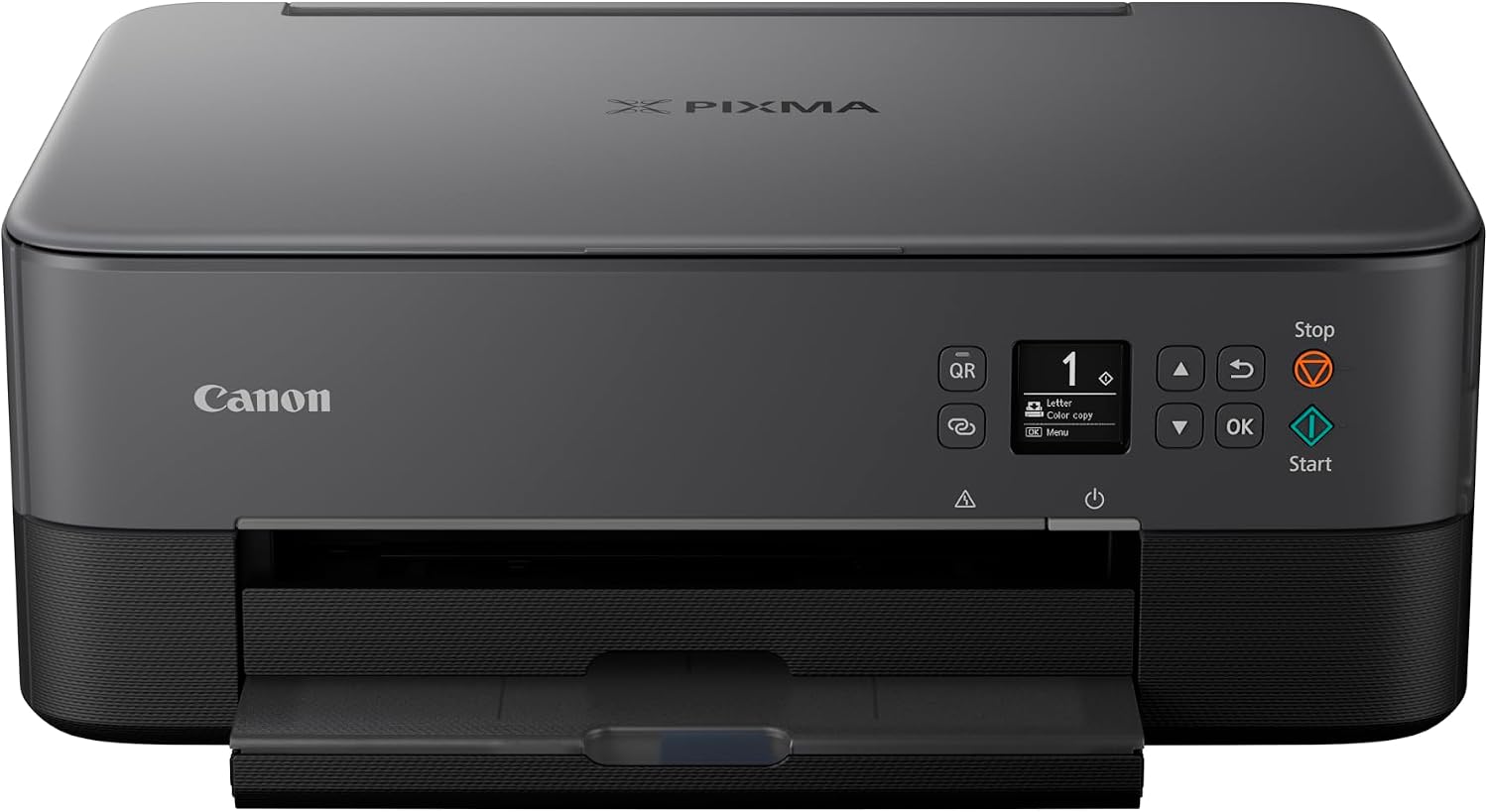
Inkjet printers spray liquid ink onto paper and are the most versatile printer type — used for everyday documents, photos, stickers, and (with the right ink) sublimation projects.
✓ High-Quality Color Printing
✓ Great for Home and Photos
✓ Wide Range of Models
✓ Cost Options for Every Budget
Quick Answer
What Is an Inkjet Printer? A Quick Answer
An inkjet printer is a printer that forms text and images by spraying microscopic droplets of liquid ink onto paper through a row of tiny nozzles in the print head. It is the most common printer type for home use because a single machine can handle everyday documents, color graphics, and photo-quality prints reasonably well.
This guide covers how inkjet printers work, the main technologies and ink types used today, what they are best suited for, the features and running costs worth comparing before you buy, and how they stack up against laser printers. Where relevant, it links to the specific printers and comparisons already reviewed on PrintersExpert.com.
See How It Works →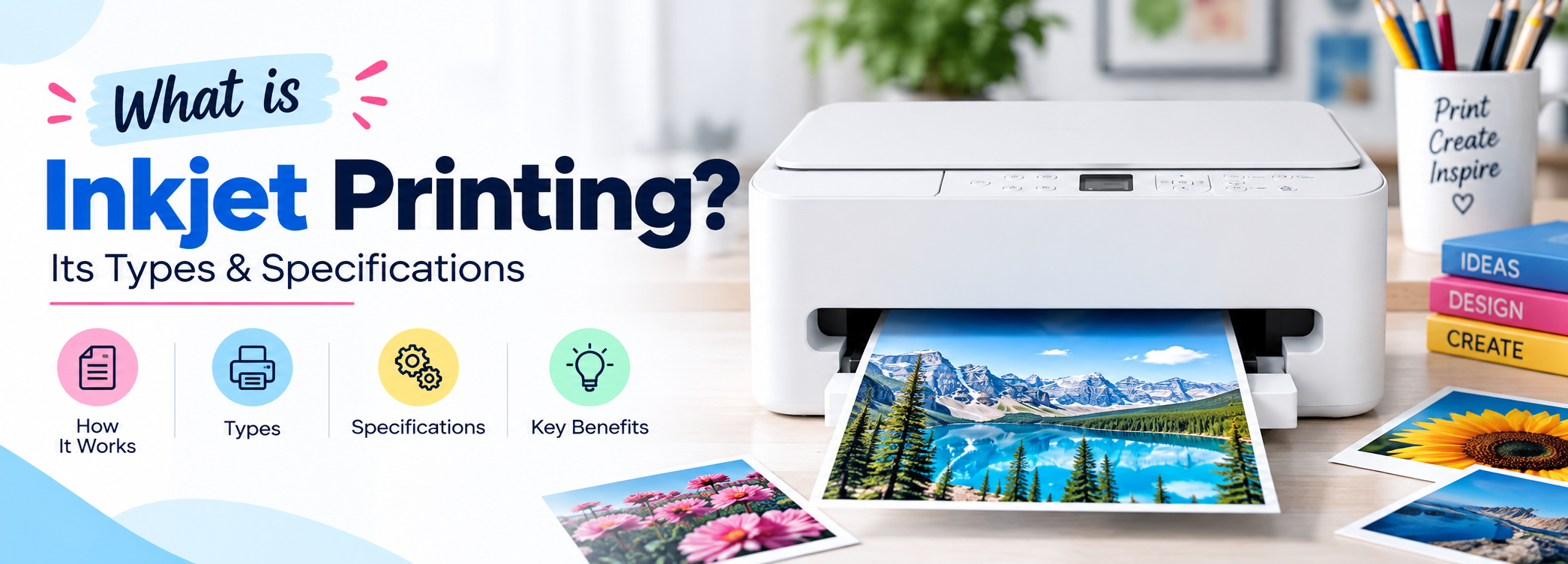
The Basics
How Does an Inkjet Printer Work?
An inkjet printer builds an image by firing thousands of tiny ink droplets per second from nozzles in the print head as it moves back and forth across the page, while rollers feed the paper through at a matching pace. Each pass builds up part of the final text or image, and the droplets are small enough that, viewed normally, they look like solid lines, shading, and color rather than individual dots. Our guide to what inkjet printing is covers the basic process in more depth.
● Thermal Inkjet Technology
Heats the ink to form a vapor bubble that forces a droplet out of the nozzle. Used by HP and Canon, among others.
● Piezoelectric Inkjet Technology
Applies an electric charge to a crystal that physically flexes to push ink out, with no heat involved. Used by Epson.
Color, Resolution, and Dot Density
Color inkjet printers typically combine cyan, magenta, yellow, and black ink (CMYK) to reproduce a full color range on white paper, while on-screen images use red, green, and blue (RGB) light. Print resolution, measured in dots per inch (DPI), describes how finely the printer can place these droplets; higher DPI generally means finer detail and smoother gradients, which matters more for photo printing than for standard text documents.
Printer Types
Types of Inkjet Printers
Inkjet printers come in different types, each suited to specific users and use cases.
🖨️
Single-Function Inkjet Printers
Print only. Simple, affordable, and a solid fit for basic document needs.
📠
All-in-One Inkjet Printers
Print, scan, and copy (often fax too). A practical choice for home and small-office use.
🖼️
Photo Inkjet Printers
Optimized for high-quality photo output, often with extra ink colors for better accuracy.
🏢
Business Inkjet Printers
Built for higher volumes and lower running costs, often using refillable ink tanks.
Dedicated Photo Inkjet Printers
Some inkjet printers are built specifically around photo output, using additional ink colors beyond standard CMYK to improve color accuracy and tonal range. Our Photo Printers category page covers this type of printer in more depth if photo quality is your main priority.
Buying Guides
Find the Right Inkjet Printer
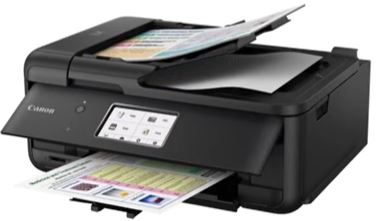
Ink Systems
Inkjet Printer Technologies Explained
Cartridge vs. Ink Tank Inkjet Printers
Most inkjet printers fall into one of two ink-delivery designs. Cartridge-based printers use small, sealed ink cartridges that are simple to swap but hold a limited amount of ink, so the cost per page tends to be higher over time. Ink tank (supertank) printers, such as Epson’s EcoTank line, use refillable tanks filled from external ink bottles; a single set of bottles can print several thousand pages, which lowers the cost per page substantially for anyone printing often, at the cost of a higher upfront printer price. See our EcoTank vs. Cartridge Printers comparison for how this plays out with specific models.
Dye-Based vs. Pigment Inkjet Ink
Inkjet printers also differ in the type of ink they use. Dye-based inks dissolve into the paper fibers and produce vivid, smooth color transitions, which is why many printers use dye inks for color cartridges. Pigment-based inks sit on top of the paper rather than soaking in, which generally makes them more resistant to fading and water exposure; many printers use pigment black ink for sharper, more water-resistant text even when the color inks are dye-based.
| Cartridge Printers | Ink Tank Printers | |
|---|---|---|
| Upfront cost | Lower | Higher |
| Cost per page | Higher | Lower |
| Typical page yield before refill/replacement | Hundreds of pages per cartridge | Often several thousand pages per fill |
| Best for | Occasional or light printing | Frequent or high-volume printing |
Use Cases
What Are Inkjet Printers Best For?
🏠
Home Use
For a household printing a mix of school assignments, forms, and the occasional photo, a general-purpose inkjet printer is usually the most practical choice, since it handles color and photo output better than a typical laser printer at a similar price.
📷
Photo Printing
Anyone printing photos regularly, whether for prints to display or projects like scrapbooking, benefits from an inkjet printer with good color accuracy and photo paper support. Our Photo Printers category page goes deeper into printers built specifically for this use case.
🎓
Students
Students generally print a high proportion of text documents with occasional color pages or images, so a compact, affordable inkjet printer, or an ink tank model if printing is frequent, tends to be a cost-effective fit.
🏢
Small Businesses and Home Offices
A small business or home office that prints a steady volume of documents, and occasionally needs color for client-facing materials, often benefits most from an ink tank inkjet printer, since the lower cost per page adds up over higher monthly volumes. If the business prints very high volumes of mostly text, it is worth comparing against a laser printer as well; see Inkjet vs. Laser Printers for that trade-off.
Buying Checklist
Important Features to Compare
Before comparing specific models, it helps to know which specs actually matter for your use case. The table below summarizes the main features worth checking.
| Feature | Why It Matters |
|---|---|
| Print resolution (DPI) | Higher resolution improves fine detail and photo quality; less critical for plain text. |
| Print speed (pages per minute) | Matters most for higher print volumes or time-sensitive printing. |
| Ink system (cartridge vs. tank) | Determines upfront cost versus long-term cost per page. |
| Connectivity (Wi-Fi, USB, mobile printing) | Affects how easily multiple devices or users can print to it. |
| Duplex (two-sided) printing | Saves paper and is useful for longer documents. |
| Automatic document feeder (ADF) | Needed for scanning or copying multi-page documents without an all-in-one flatbed only. |
| Paper handling and photo paper support | Determines whether the printer can handle envelopes, cardstock, or glossy photo paper. |
| Maintenance needs | Inkjet nozzles can dry out with infrequent use; some designs tolerate this better than others. |
Reviews
Inkjet Printers We Cover
Running Costs
Ink Costs and Running Costs
Running costs are often the biggest long-term difference between inkjet printers, and they depend more on the ink system than on the printer’s purchase price. Most buyers keep a printer for several years, so the ongoing cost of ink matters as much as, or more than, the upfront price.
Why Ink Tanks Generally Cost Less to Run
Ink tank printers are refilled from bottles rather than cartridges, and a single set of bottles commonly prints several thousand pages before needing a refill, which spreads the ink cost over far more pages than a typical cartridge. This is why ink tank printers, despite a higher purchase price, tend to work out cheaper per page for anyone printing regularly.
Why Cartridge Printers Can Cost More Over Time
Cartridge printers are usually cheaper to buy, but each cartridge holds a limited amount of ink and needs replacing more often, which raises the cost per page. For light or occasional printing this difference may not add up to much, but for frequent printing it can become the larger cost over the printer’s lifetime.
Because ink costs vary by printer model, cartridge type, and region, check the specific cost-per-page figures for a model you are considering rather than relying on general price comparisons. Our individual printer reviews, such as the Epson EcoTank ET-3850 review, include the running-cost details that apply to that specific model.
Weighing The Trade-Offs
Inkjet Printer Pros and Cons
Advantages
✓ Strong photo and color output compared with most laser printers
✓ Lower upfront cost for entry-level cartridge models
✓ Compact, quiet operation suited to home use
✓ Can print on glossy photo paper and other specialty media
✓ Ink tank models offer a low cost per page for frequent printing
Disadvantages
✗ Cartridge models can have a higher cost per page than laser printers
✗ Print heads can clog if the printer goes unused for long stretches
✗ Ink cartridges generally have a shorter shelf life than laser toner
✗ Generally slower print speeds for high-volume text printing
✗ Ink tank printers cost more upfront, which only pays off with regular use
The Other Main Option
Inkjet vs. Laser Printers
Laser printers are the other major printer category, and they work on a fundamentally different principle: a laser charges a drum that picks up powdered toner, which is then fused onto the page with heat. The table below summarizes how the two technologies generally compare.
| Category | Inkjet | Laser |
|---|---|---|
| Photo and color quality | Generally stronger, especially for photos | Generally weaker for photos and fine color gradients |
| Text sharpness | Good, but can soften slightly on some media | Typically crisp and consistent |
| Print speed | Usually slower | Usually faster, especially for text |
| Running cost at high volume | Can be higher, especially on cartridge models | Usually lower per page at high volume |
| Size and noise | Generally compact and quiet | Often bulkier and louder |
| Behavior when idle | Nozzles can dry out or clog if unused for long periods | Toner does not dry out between uses |
Neither type is better in every situation. If photo quality and a lower upfront price matter most, an inkjet printer is usually the better fit; if you print high volumes of text and want to minimize cost per page and print time, a laser printer is usually the better fit. Our full Inkjet vs. Laser Printers comparison and Laser Printers category page go deeper into this decision.
Compare
Compare Inkjet Printers
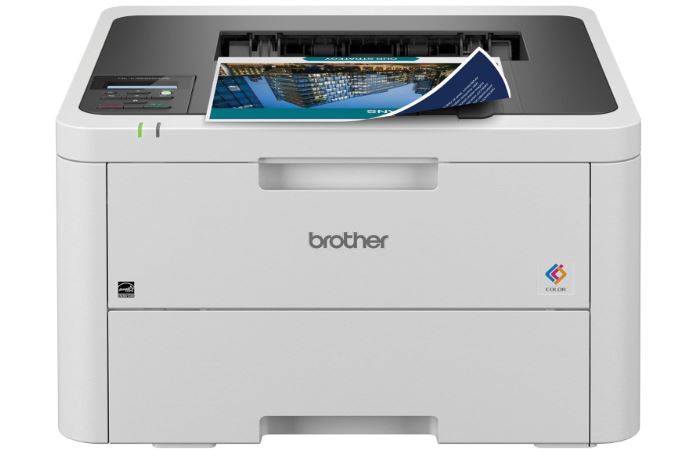
Decision Guide
How to Choose the Right Inkjet Printer
Work through these questions in order to narrow down the right type of inkjet printer for your situation:
01
How much do you print per month? Light, occasional printing favors a cheaper cartridge printer; frequent or high-volume printing favors an ink tank model.
02
Do you need to scan or copy? If so, look at all-in-one models rather than single-function printers.
03
Is photo quality a priority? If photos are a major use case, compare models on color accuracy and photo paper support, or consider a dedicated photo printer.
04
Do you need two-sided printing or a document feeder? Duplex and ADF support matter most for longer documents or frequent scanning of multi-page files.
05
What is your budget, split between upfront price and ongoing ink cost? A cheaper printer with expensive ink can cost more over a few years than a pricier ink tank model.
06
Would a laser printer suit you better? If you print mostly text at high volume and photos are not a priority, compare against our Inkjet vs. Laser Printers guide before deciding.
Where To Go Next
Recommended Inkjet Printers
Rather than listing specs in isolation, here is how the inkjet printers we cover fit the use cases above:
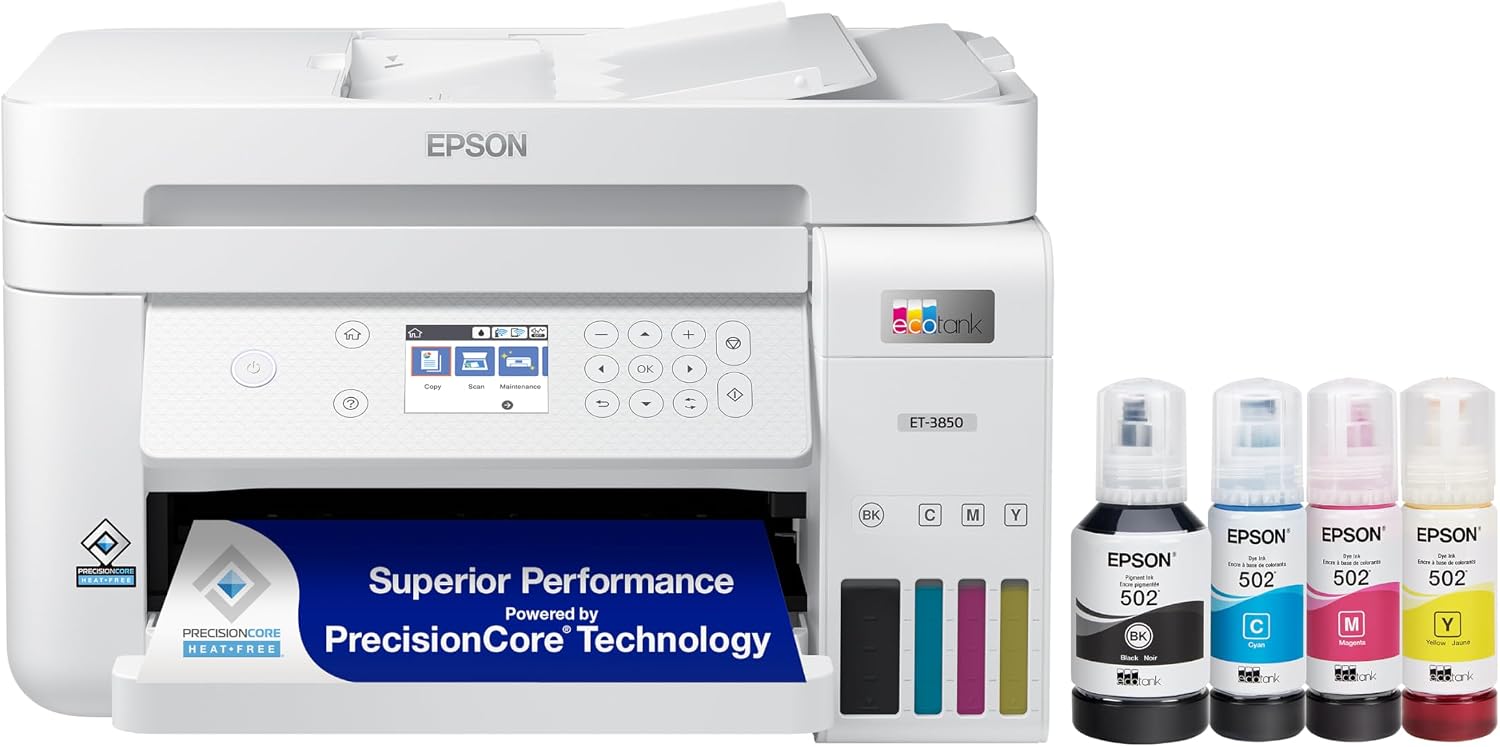
Epson EcoTank ET-3850
Best for: Running costs & everyday printing
The Epson EcoTank ET-3850 is a refillable ink tank all-in-one, making it a strong fit if you print often and want to keep the cost per page low.
Read Review → Check Current Price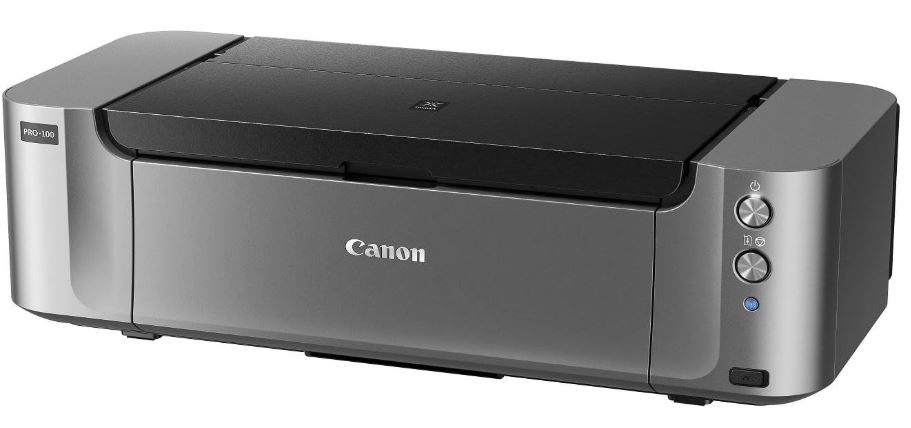
Canon PIXMA Pro-100
Best for: Photo-focused printing
The Canon PIXMA Pro-100 is built around photo-quality output rather than general office tasks, and our review covers what that trade-off looks like in practice.
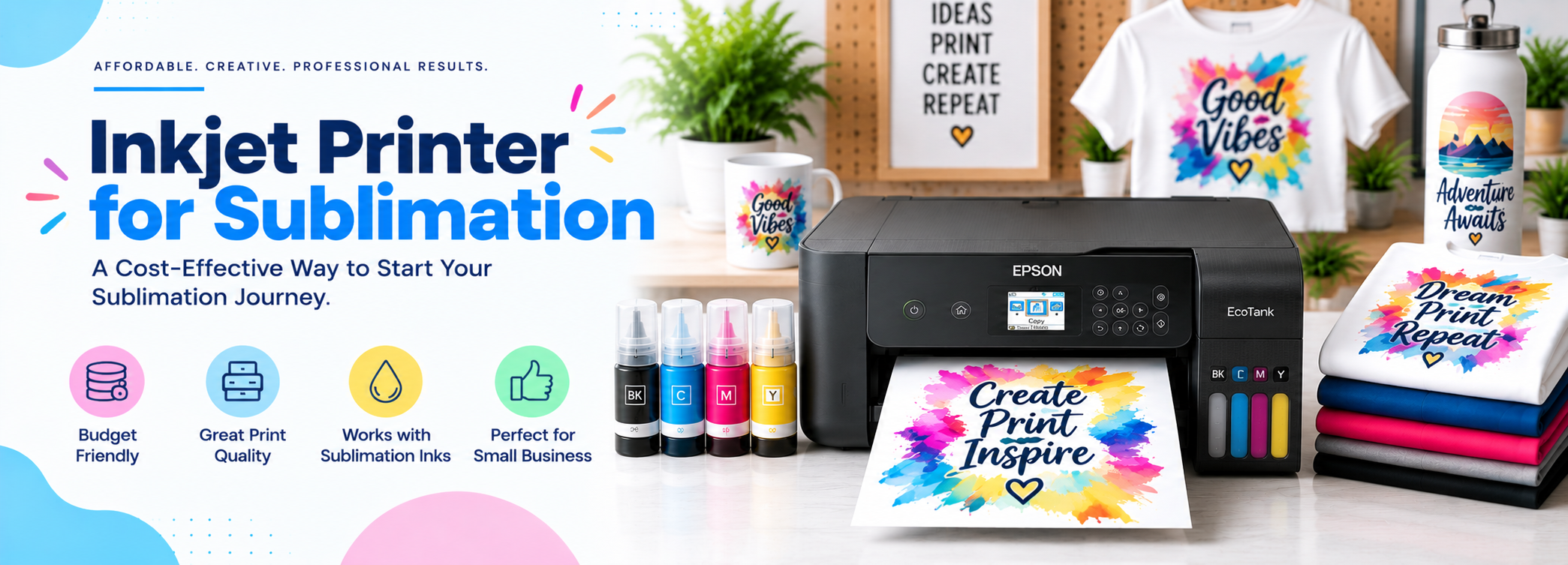
Read Review →Best Inkjet Printers for Sublimation
Start here if your use case is sublimation printing.
View Guide →Avoid These
Common Inkjet Printer Buying Mistakes
01
Focusing only on the printer’s price and ignoring ink costs. A cheap printer with expensive cartridges can cost more over a few years than a pricier ink tank model.
02
Buying more machine than you need. Paying for a high-speed office-grade all-in-one when you print occasionally adds cost without real benefit.
03
Not checking photo paper and media support. If photo printing matters to you, confirm the model supports the paper sizes and finishes you plan to use.
04
Letting the printer sit unused for long periods. Inkjet nozzles can dry out and clog without occasional use, which can mean cleaning cycles or even nozzle replacement.
05
Ignoring duplex and ADF support if you need them. Not every inkjet printer includes two-sided printing or an automatic document feeder, and retrofitting that need later means buying a new printer.
06
Assuming all ink tank printers are the same. Page yield per fill, print speed, and features still vary between ink tank models, so it is worth comparing specific models rather than the ink system alone.
Common Questions
Frequently Asked Questions
Next Step
Is an Inkjet Printer Right for You?
An inkjet printer is a strong choice if you print a mix of documents and photos, want good color output, and either print lightly enough that cartridge costs stay manageable or print often enough that an ink tank model pays for itself. If you print high volumes of mostly text and photos are not a priority, it is worth comparing against a laser printer using our Inkjet vs. Laser Printers guide first.
For a printer built around lower running costs, see our review of the Epson EcoTank ET-3850. For photo-focused printing, see our review of the Canon PIXMA Pro-100.
On This Page
Table of Contents
- What Is an Inkjet Printer?
- How Does an Inkjet Printer Work?
- Types of Inkjet Printers
- Inkjet Printer Technologies Explained
- What Are Inkjet Printers Best For?
- Important Features to Compare
- Ink Costs and Running Costs
- Inkjet Printer Pros and Cons
- Inkjet vs. Laser Printers
- How to Choose the Right Inkjet Printer
- Recommended Inkjet Printers
- Common Inkjet Printer Buying Mistakes
- Frequently Asked Questions
- Is an Inkjet Printer Right for You?
Related Printer Categories
Featured Guide
Best Inkjet Printers for Sublimation
Looking for an inkjet printer for sublimation projects? See our picks and recommendations.
View Sublimation Guide
Quick Buying Checklist
- Determine your main use case
- Check ink costs and page yield
- Consider print quality and resolution
- Look at connectivity options
- Decide if you need scanning or copying
- Compare total cost of ownership, not just price
Quick Summary
Pros
✓ Excellent color print quality
✓ Great for photos
✓ Wide range of models
✓ Affordable options
Cons
✕ Cartridge costs can be high
✕ Ink can dry or clog
✕ Slower than many laser printers
Still Deciding?
Compare Inkjet vs. Laser
See the full side-by-side comparison before you decide.
Compare Now →Still Deciding?
Compare Inkjet vs. Laser Printers
Not sure an inkjet printer is the right fit? See the full side-by-side comparison before you decide.